
Ferry compresses images for the web.
Drop in HEIC photos, screenshots, logos, or a folder of them, on the window or on the menu bar icon. Ferry writes a smaller file next to each original and leaves the original alone.
macOS 15.0 or later. One time, no subscription, no account. Not for you? Email me and I'll refund it.

Color is converted, not relabeled.
iPhone photos are Display P3. Most converters keep the P3 values and write an sRGB label. Strip the profile, as web pipelines do, and the photo comes out dull. Ferry rewrites the pixels, so rgb(234, 51, 35) arrives as rgb(252, 0, 0).
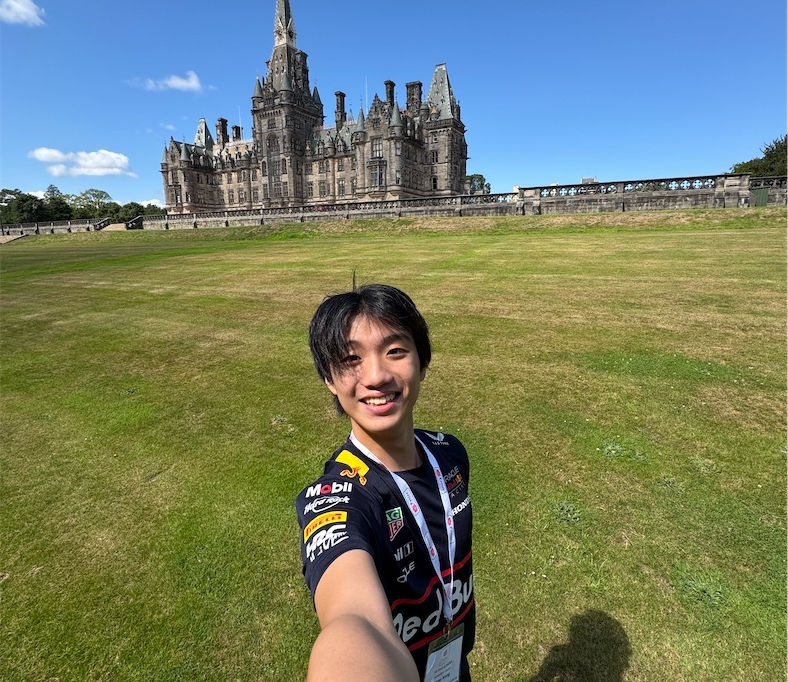
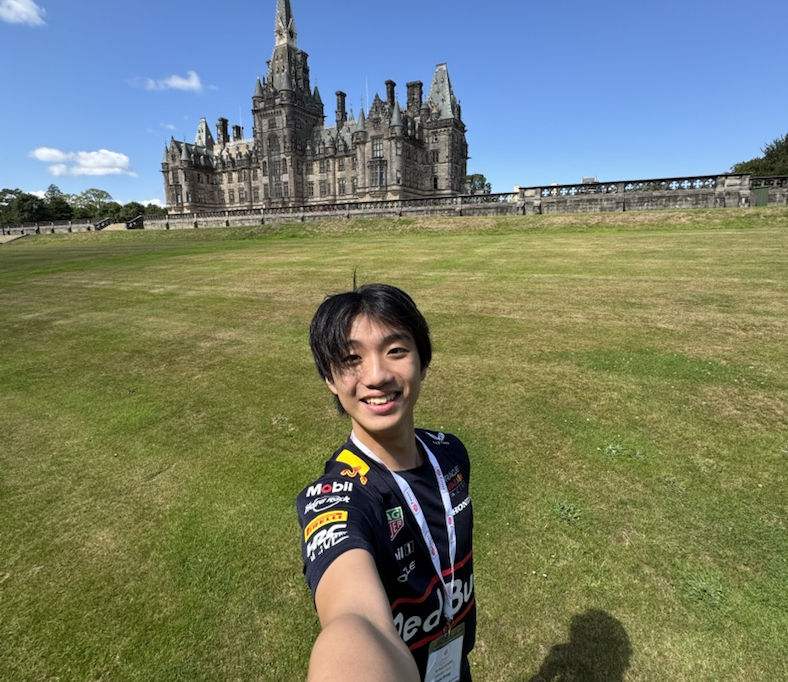
It picks the format by measuring.
Ferry writes every plausible encoding, compares each against the original, and keeps the smallest that still looks right. Three files, three answers.
| File | AVIF 0.90 | PNG | Picks |
|---|---|---|---|
| A page of small text | 3,278 B | 5,064 B | AVIF |
| A phone screenshot | 7,125 B | 5,908 B | PNG |
| A flat two color logoAVIF got 17% of its pixels visibly wrong | 11,508 B | 6,921 B | PNG |
AVIF rings around hard edges, so on flat artwork it comes out bigger and broken. Nothing about a file predicts which way it goes.
What that comes to.
| Measured on | Comes out at |
|---|---|
| A corpus of graphics508,962 B to 141,361 B | 27.8% |
| Twelve iPhone photos | 5.0% |
| One screenshot431,996 B to 64,921 B | 15% |
A large screenshot takes about 2.2 seconds and most images take well under a second. Every number here was measured on real files.
Nothing to set up.
One choice: the smallest file, or one that opens anywhere. Ferry writes AVIF, WebP, JPEG and PNG, and picks between them per image by encoding the candidates and measuring them. Advanced mode is there when the format isn't yours to choose.

It sits in the menu bar too, so most of the time you never open the window. Drop files on the icon and the saving appears next to it.

What it won't do.
- Invent a saving. If a compression isn't smaller, Ferry deletes it and says so. Asked to convert a format, it writes the file and tells you it grew.
- Touch the original. It claims a new name before writing, so nothing is overwritten.
- Upload anything. No networking code, no account, no analytics.
- Keep your location. Metadata is copied by allow list, so no code path can copy GPS.
One request exists: an update check against GitHub, which you can turn off. The full policy.
The proof is this page.
Every screenshot above was compressed by Ferry, at the settings it ships with. The three of them together weigh 102 kB — the whole of this page's imagery, at full Retina resolution, for less than one ordinary screenshot.
$12, once.
No trial. The comparison above is the trial. In exchange the app never mentions money again: no expiry, no nag screens, no account. The license is checked on your Mac, so it works offline.
- Pay, and a key arrives by email.
- Download Ferry and open it.
- Click Already bought it? Enter your key, and paste.
Not for you? Email a@zigao.wang and I'll refund it. You don't have to say why, though I'd like to hear it.
macOS 15.0 or later. Signed and notarized by Apple. Updates are free.